Korea eSIM for travelers (2026): Airalo, Saily or a Korean carrier?
 By · the tripflutter team
This guide contains affiliate links. Booking through them costs you nothing extra and helps keep this site running. Disclosure

Contents · 7
You'll want data the moment you land in Korea — for the airport train, KakaoMap, translation and messaging. An eSIM is the easiest way: buy it at home, install it before you fly, switch it on after landing.
The real question is whether you need a Korean phone number. Most visitors don't. If you do, the choice changes. Below are the plans we compared, with prices taken from each company's own website on October 12, 2026.
The short answer
| eSIM | Network | Unlimited plan | Korean number | Fair-use limit |
|---|---|---|---|---|
| Airalo | SK | 3 days $12 · 7 days $29 · 30 days $69 | No (data only) | 1 Mbps after 3 GB a day |
| Saily | Not named | 5 days $18.99 · 7 days $26.99 · 30 days $71.99 | No | Max 1 Mbps after 5 GB a day |
| KT Data eSIM | KT | 3 days ₩18,000 · 7 days ₩35,000 · 30 days ₩71,500 | No (data only) | 5 Mbps after 11 GB a day |
| LG U+ Data eSIM | LG U+ | 3 days ₩18,000 · 7 days ₩35,000 · 30 days ₩71,500 | No (data only) | "No speed limits" (may slow when busy) |
| SK Telecom Palace Pass eSIM (LTE) | SKT | 3 days ₩18,000 · 7 days ₩35,000 · 30 days ₩71,500 | Yes, 010 (after passport check) | 100 Mbps, no data cap |
Airalo and Saily list prices in US dollars; the Korean carriers list them in won. Prices change often — check the final price at checkout.
Which one should you pick?
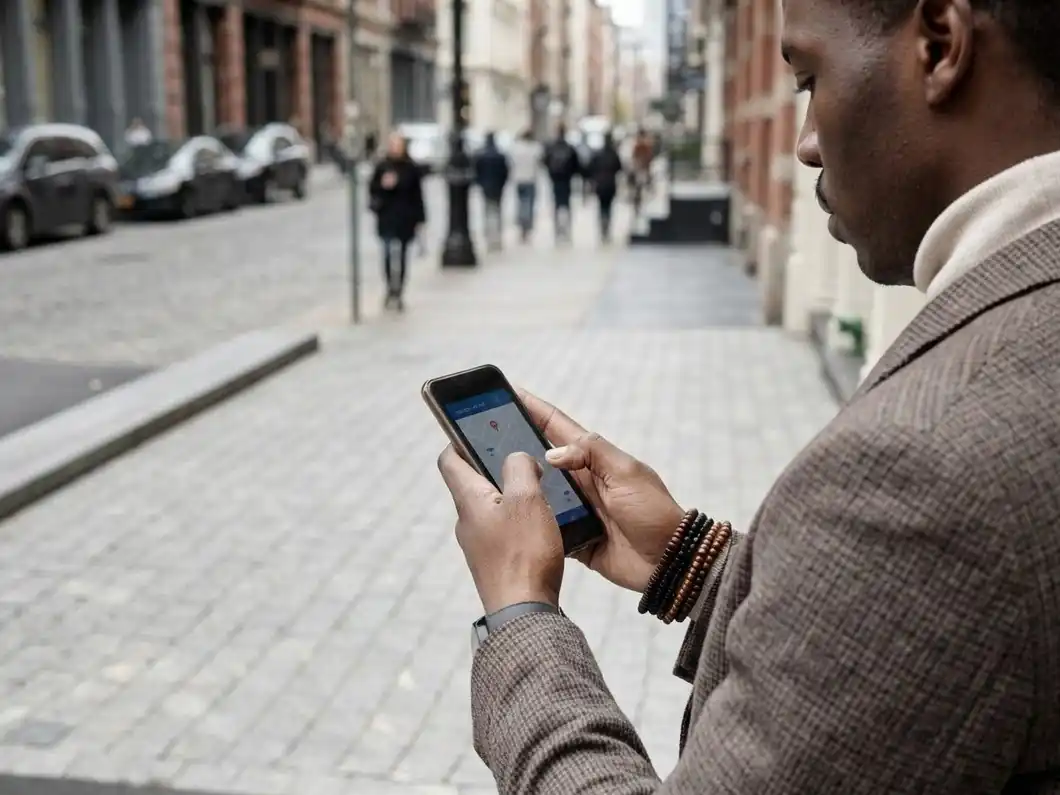
A short city trip (3–7 days), data only — Airalo. The 3-day unlimited plan is $12 and runs on SK, one of Korea's three big networks. After 3 GB in a day it slows to 1 Mbps, which is still enough for maps and messaging. Most travelers won't hit 3 GB a day.
You stream, upload video or share data with a laptop — Saily, or a Korean carrier eSIM. Saily gives 5 GB a day at full speed and lists no hotspot limit. KT's data eSIM gives 11 GB a day before slowing to 5 Mbps, and LG U+ says its unlimited plan has no speed limit at all (though speeds may be managed when the network is congested). Both carriers charge ₩27,500 for 5 days.
You want a palace pass anyway — SK Telecom's Palace Pass eSIM. The LTE version is ₩18,000 for 3 days and includes a Korean 010 number for incoming calls and texts, a transit card (worth ₩3,000) and a pass to 12 royal sites including Gyeongbokgung and Changdeokgung (valid until December 31, 2026). Note: on the 5G version, tethering is limited to 1 GB a day.
You're traveling as a group — consider a pocket WiFi. KT rents a pocket router at the airport for ₩4,400 a day (unlimited at 20 Mbps). You need your passport and a credit card in your own name for the deposit. LG U+ also rents one from ₩4,400 a day.
Do I need a Korean phone number?
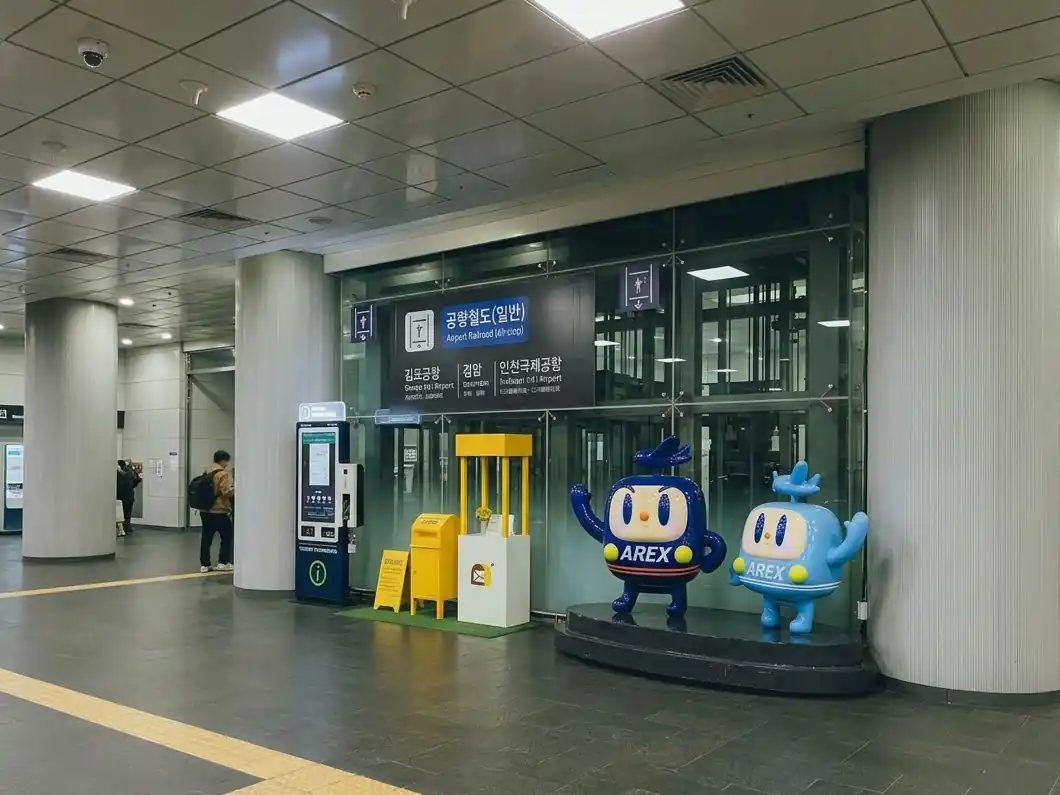
For most visitors, no. Maps, translation, messaging and the airport train all work on data alone.
A Korean 010 number helps when an app or a restaurant wants to text you a code. Here's what the carriers themselves say:
- LG U+: with a Voice/SMS plan, "SMS verification for restaurant and taxi reservation apps is available, but Identity Verification for banking or government services is not supported." With a data-only plan, SMS verification isn't available.
- KT: all its tourist numbers start with 010, but KT eSIM "does not support the personal authentication." KT's Data & Voice plan is sold only at KT roaming centers at the airport.
- SK Telecom: you can receive calls and texts after a passport check, but texts for "personal authentication services and payments" won't arrive.
In other words: a tourist 010 number works for restaurant waitlists and simple texts, but not for Korea's real-name verification (banking, government sites, Naver accounts). Food delivery and taxi apps change their sign-up rules often, and we found conflicting reports — check the app's own help page before you rely on it.
If you need a number, buy a carrier Data + Voice plan and have your passport checked at the airport counter (or online, for SK Telecom). Pickup counters are at Incheon Terminals 1 and 2, Gimpo and Gimhae.
Before you buy: 3 checks
- Your phone must support eSIM and be unlocked. KT, SK Telecom and LG U+ all require a phone without a country/carrier lock. On most phones, dialing
*#06#shows an EID number if the phone supports eSIM. KKday notes that devices bought in mainland China, Hong Kong or Macau generally can't use eSIM. - Install before you leave home. You'll get a QR code by email. Scan it on WiFi at home, then switch the eSIM on after landing. Most plans start counting days from first connection in Korea; Saily activates automatically on arrival.
- Korean-issued cards can't pay for carrier tourist eSIMs. KT and SK Telecom say so on their sites. Use a card issued in your home country.
Setting it up, step by step
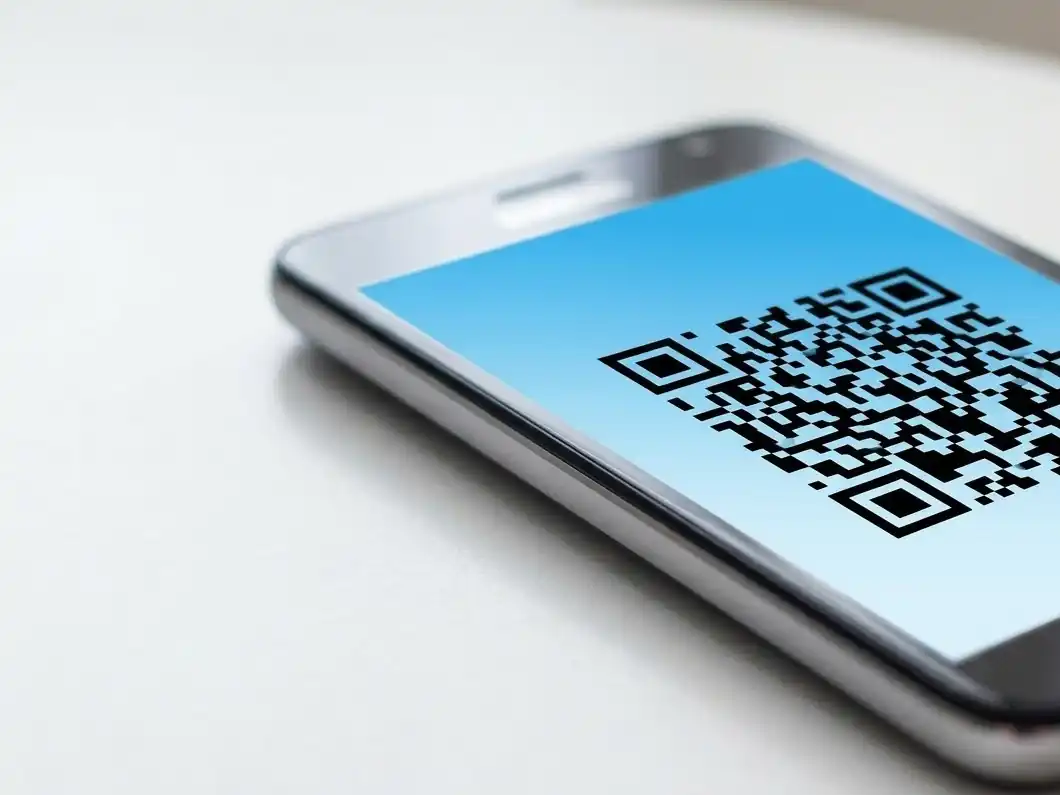
- At home, on WiFi: scan the QR code (iPhone: Settings → Cellular → Add eSIM; Samsung Galaxy: Settings → Connections → SIM manager → Add eSIM). Label it "Korea".
- After landing: set the Korea eSIM as your line for cellular/mobile data and turn on data roaming for that eSIM.
- Turn off data roaming on your home SIM, or your home carrier may charge you. You can leave the home line on to receive texts.
Free WiFi in Seoul
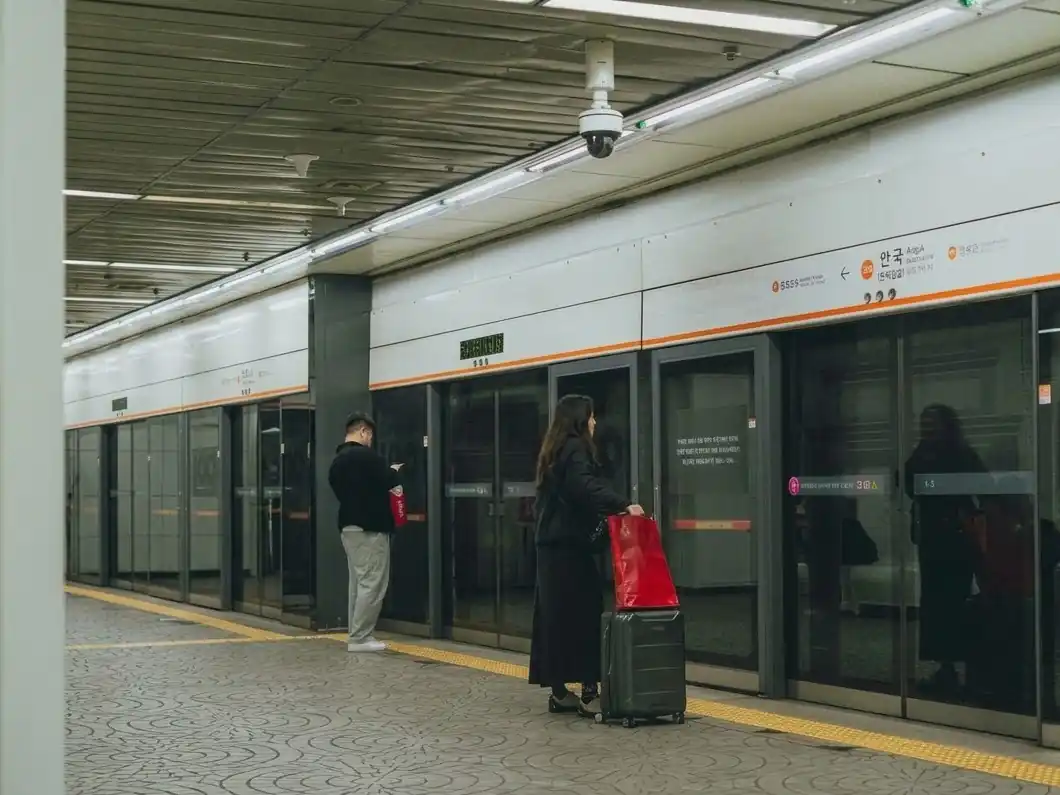
Seoul runs free public WiFi on main streets, in parks, at bus stops, in traditional markets and on city buses. Connect to SEOUL_Secure with ID and password seoul; once connected, it reconnects automatically around the city. It's a handy backup, but not a replacement for an eSIM — coverage stops the moment you step into a shop or a side street.
Our pick
For a typical 3–7 day trip, Airalo's unlimited plan is the simplest and cheapest way to have data from the airport onward. If you'll use a lot of data or run a hotspot, choose Saily or a KT / LG U+ data eSIM. Only buy a carrier Data + Voice plan if you really need a Korean number — and remember it won't pass real-name verification.
Where to stay once you're connected: Where to stay in Seoul for first-timers.
Sources: Airalo (airalo.com/south-korea-esim), Saily (saily.com), KKday product page, KT (roaming.kt.com), SK Telecom (skroaming.com), LG U+ (lguplus.com/korea-sim), Seoul Metropolitan Government public WiFi page (updated March 12, 2026). All prices checked October 12, 2026.
Quick recap
- Short trip, data only? Airalo unlimited from $12.
- Heavy user or hotspot? Saily or a Korean carrier eSIM.
- Need a Korean 010 number? Buy a carrier Data + Voice plan.
Updated Oct 12, 2026

Every guide is checked against official sources and dated. We only recommend stays and eSIMs we have compared ourselves. About us →